Quick Answer
Apply online at ke.com.pk/customer-services/new-connection, through the KE Liveapp, on WhatsApp 0348-0000118, or at any K-Electric Customer Care Centre (IBC). Submit your CNIC, ownership/tenancy proof, site map and wiring test report — KE issues a demand notice, you pay the security deposit and service charges, and the meter is installed within 15–30 working days.
Documents required
- CNIC copy of applicant
- Proof of ownership (registry / allotment letter) or tenancy (rent agreement)
- Latest property tax receipt (for owned premises)
- Site map / location sketch with nearest KE pole reference
- Electrical wiring test report from a licensed contractor
- Completed K-Electric new-connection application form
- For commercial/industrial: NOC from building authority, load sheet, single-line diagram
Step-by-step process
- Choose connection type & load. Single-phase (≤ 5kW) for small homes; three-phase (5–25kW) for large homes & small commercial; HT for industrial.
- Get wiring tested. A licensed electrical contractor inspects internal wiring and issues a Test Report (mandatory for KE).
- Submit application. Online portal, KE Live app, WhatsApp, or in-person at your area IBC.
- Site survey. KE technical team visits within 7–10 days to verify feasibility and finalise sanctioned load.
- Receive Demand Notice. KE issues a bill for security deposit + service line + meter cost.
- Pay & submit receipt. Pay through any KE channel — bank, mobile banking, IBC counter — and submit the receipt.
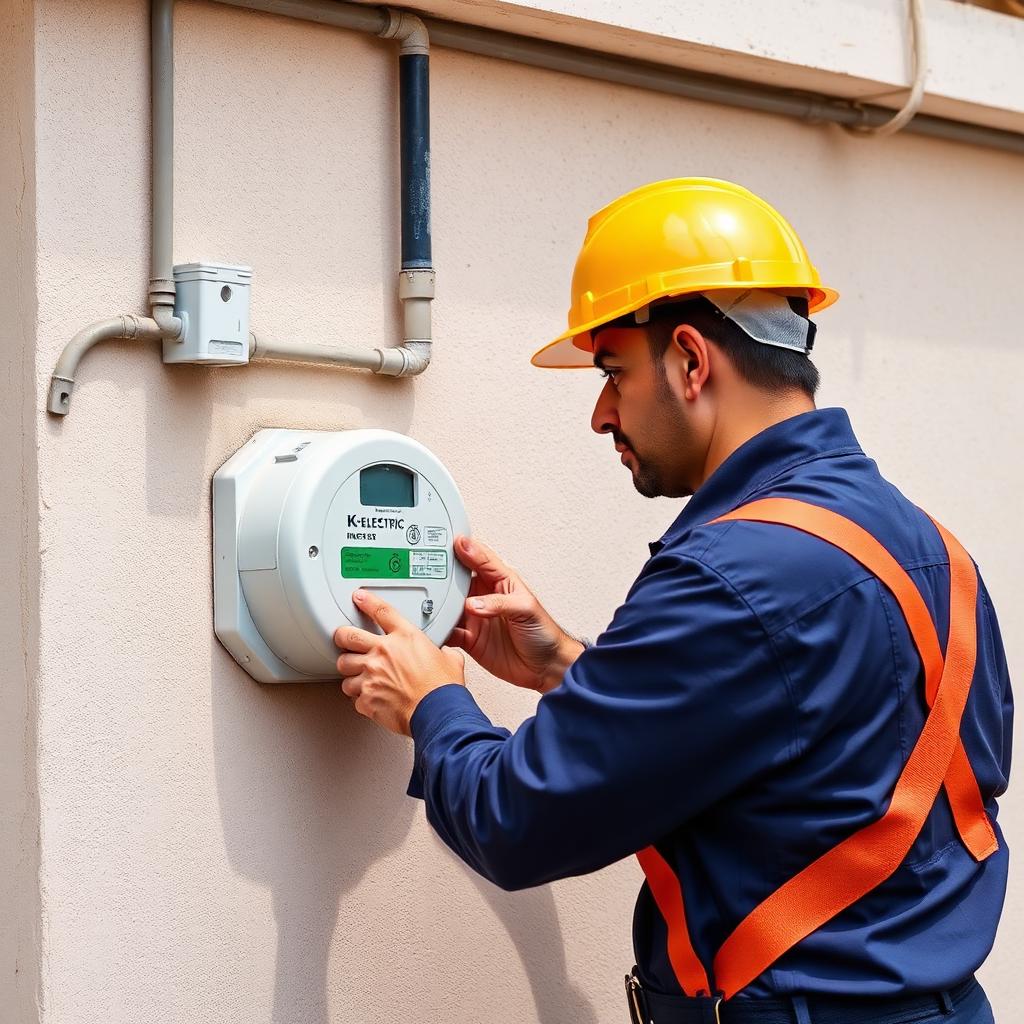
- Meter installation. KE installs the meter and energises supply, typically 15–30 working days after payment.
Indicative fees
| Connection type | Sanctioned load | Approx. fees (PKR) |
|---|---|---|
| Single-phase residential | ≤ 5 kW | Rs. 8,000 – 25,000 |
| Three-phase residential | 5 – 25 kW | Rs. 30,000 – 80,000 |
| Commercial (shop/office) | ≤ 25 kW | Rs. 40,000 – 1,20,000 |
| Industrial / HT | > 25 kW | Quoted case-by-case |
Fees vary by tariff category, distance from nearest KE pole, and NEPRA-notified security deposit slabs.
Track your application
Call 118
KE helpline 24/7
SMS 8119
Send your reference number
customer.care@ke.com.pk
Email status request
KE new connection FAQs
How do I apply for a new K-Electric connection?+
Apply online through the K-Electric New Connection portal at ke.com.pk/customer-services/new-connection, on the KE Live mobile app, via WhatsApp on 0348-0000118, or in person at your nearest KE Customer Care Centre (IBC) with the required documents.
What documents are required for a new KE connection?+
CNIC copy of applicant, proof of ownership or tenancy (registry, rent agreement, allotment letter), latest tax receipt (for owned premises), site map/sketch, electrical wiring test report from a licensed electrical contractor, and the completed KE new-connection application form.
How long does a new K-Electric connection take?+
After document verification and security deposit payment, residential single-phase connections are typically energised within 15–30 working days. Three-phase, commercial and high-load connections take 30–60 days depending on infrastructure availability.
What is the K-Electric new connection fee?+
Connection fees include an application fee, security deposit (proportional to sanctioned load), service line charges and meter cost. Total varies from Rs. 8,000 for a basic single-phase residential connection to several lakhs for high-load commercial connections.
Can I track my KE new connection application?+
Yes — use the application reference number issued at submission. Track status on the KE Live app, by SMS to 8119, on WhatsApp (0348-0000118), or by calling helpline 118.
Related guides
Hand-picked next-step guides — written by the same editorial team and refreshed against current NEPRA notifications.
Sanctioned Load Guide
Why your sanctioned load (kW) matters for tariff, deposit and transformer share.
Read guideK-Electric Tariff Schedule
Complete NEPRA-notified residential, commercial, industrial and agricultural tariff.
Read guideKE Customer Care Centres
Walk-in IBCs across Karachi for disputes, transfers and load changes.
Read guideKE Net Metering
Sell surplus solar to K-Electric — NEPRA process, costs and 1:1 import/export rules.
Read guideLodge a KE Complaint
118 helpline, KE Live app, written escalation and NEPRA referral — done right the first time.
Read guideK-Electric FAQ
Fact-checked answers to the most common KE billing, tariff and complaint questions.
Read guide