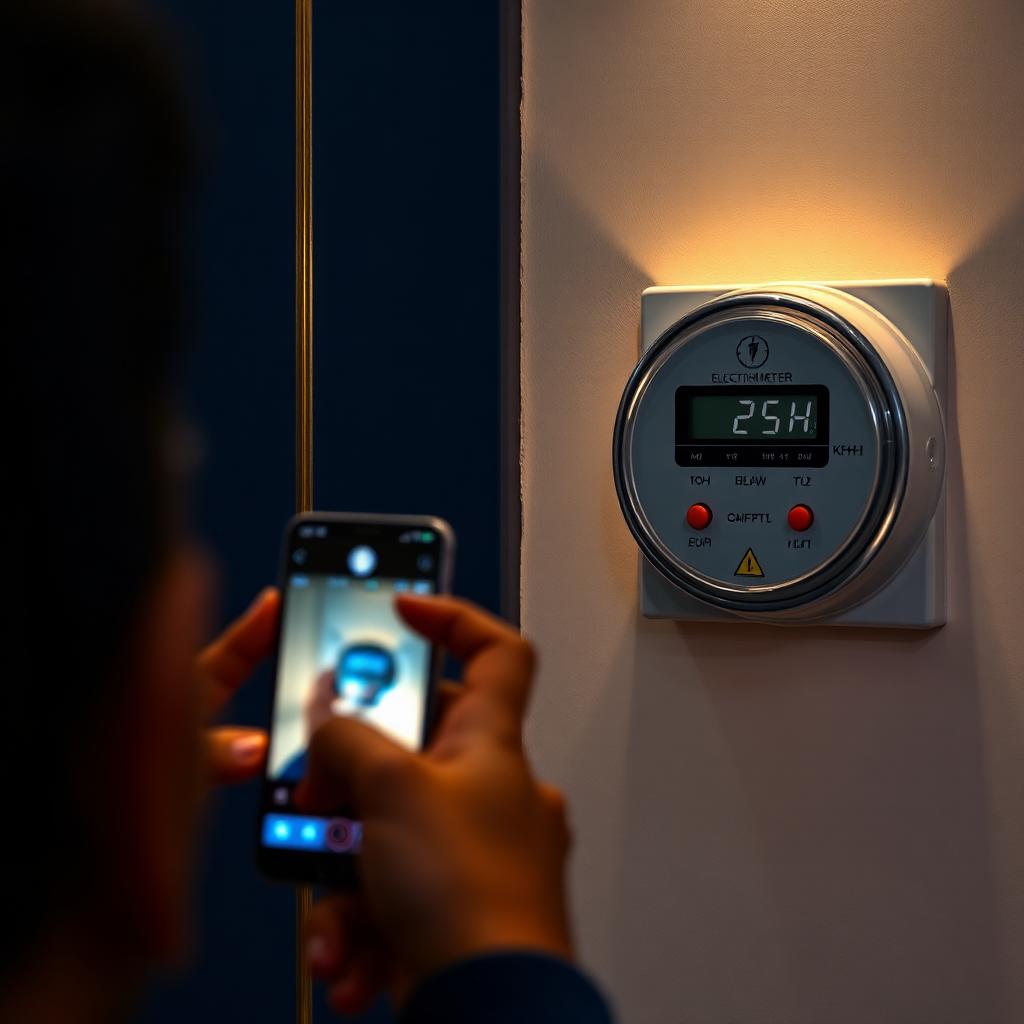
How to read your K-Electric meter
- Locate your meter (single-phase or three-phase) on the outside wall or shared utility box.
- Note the kWh reading — the 5- or 6-digit number on the LCD or mechanical dials.
- Ignore decimals — only whole units count for billing.
- For smart/AMI meters, scroll using the push button until you see "kWh Tot" or "Active Energy".
Submit a self-reading via WhatsApp
- Save 0348-0000118 as "KE WhatsApp" in your phone.
- Send "Hi" → choose Meter Reading from the menu.
- Type your 13-digit account number when prompted.
- Upload a clear photo of the meter showing the units and the meter serial.
- KE verifies and credits your account within 24–48 hours.
Fixing an estimated or overbilled KE bill
An "E" beside the reading on your duplicate bill means it's estimated. Take a meter photo today, submit it via WhatsApp or the KE Live app, then call 118 to request a revised bill. Adjustments appear as a credit/debit line on the next bill.